Why I'm Building My Own Personal Memory App (And Why the Ones That Existed Keep Disappearing)
Quick Overview
Key Takeaways
- ▶Three major personal memory apps (Dot, Limitless, Heyday) shut down or were acquired in 2025
- ▶Self-hosting your data means no company can pull the plug on your memories
- ▶AI coding tools make building real apps achievable for self-taught developers
- ▶Mythryx Brain runs on an $80 Raspberry Pi for about 70 cents a month
- ▶Semantic search finds memories by meaning, not just keywords
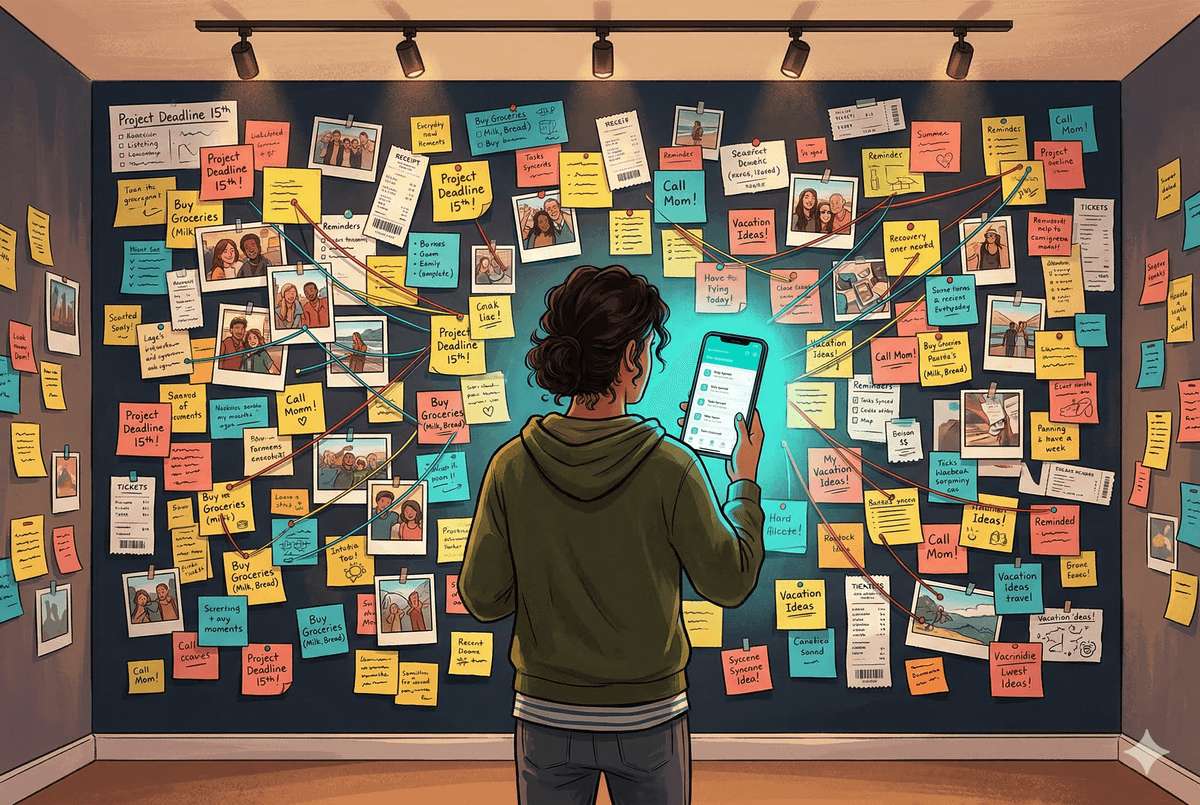
Spoiler: I forget things. Not in a "where are my keys" kind of way — more like a "I know I know this, it's in my head somewhere, I just can't grab it right now" kind of way. Sound familiar? Yeah. That's why I built Mythryx Brain — a self-hosted, AI-powered personal memory app that captures anything you want to remember, automatically organizes it, and retrieves it when you need it using plain-English search. It runs on an $80 Raspberry Pi, costs about 70 cents a month, and your data never leaves your house. Here's why I built it and why you might want one too.
If you're anything like me, your brain is basically a messy attic. The information is up there. You know it's up there. But when you need to find the Christmas lights, you're climbing around in the dark knocking over boxes of stuff you forgot you even had.
I wanted to fix that. Not with another note-taking app that I'd use for two weeks and abandon (we've all been there), but with something that actually thinks the way I think. Something I could just throw a thought at — "Mom likes lavender candles" or "the camping gear is in the garage behind the bikes" — and it would remember it, organize it, and help me find it later when I inevitably forget where I put it.
So I built one. From scratch. With AI doing most of the heavy lifting on the code. And I'm going to walk you through the entire journey — the wins, the facepalms, and everything in between.
What You'll Learn in This Post
- Why personal memory apps keep disappearing — and what that means for your data
- What a "personal memory app" actually is (and isn't)
- What I built, how it works, and what it costs to run
- Why self-hosting matters even if you're not a tech person
- How AI made this buildable for a self-taught developer
What Even Is a "Personal Memory App"?
Before we go any further, let me explain what I mean, because this isn't a diary app and it's not a note-taking tool.
A personal memory app is like a second brain. You feed it the things you want to remember — facts about people you care about, where you stored things, appointments, that whiskey brand your friend recommended, your kid's current favorite dinosaur (it changes weekly, trust me). Then when you need that information, you just ask for it in plain English. Not by searching through folders or scrolling through 400 notes titled "Untitled."
You ask it "What does Mom like for her birthday?" and it pulls together everything it knows — the lavender candles, the fact that she mentioned wanting a garden kneeler, that she doesn't like surprises but does like thoughtful gestures. It connects the dots for you.
That's the dream. And as it turns out, almost nobody is doing this well. The few companies that tried? Most of them are already gone.
The Great Disappearing Act of 2025
Here's something that surprised me when I started researching this space: personal AI apps have a serious survival problem.
I spent time looking at over 40 products. Note-taking apps, AI assistants, memory tools, family organizers, "second brain" platforms — the whole landscape. And what I found was a graveyard.
Dot was a personalized AI companion built by a former Apple designer. It learned your interests, offered advice, acted like a digital friend that actually remembered your conversations. It shut down in September 2025. Users had 30 days to download their data before it vanished.
Limitless (you might remember it as Rewind) recorded everything on your screen and made it searchable — a genuinely cool idea. In December 2025, Meta acquired them. The Rewind app got wound down, hardware sales stopped, and if you lived in the EU, Brazil, or several other regions, the service was cut off entirely. Your memories, inside someone else's deal.
Heyday was an AI memory assistant that automatically saved the articles and pages you visited and resurfaced them when relevant. Despite raising $6.5 million in seed funding, it couldn't find a way to make money — turns out competing with free tools like Google Keep and Notion's free tier is brutal — and it quietly stopped operating in 2025 after layoffs and a failure to gain sustainable traction.
Three personal memory products. Three different ways to vanish. Acquisition, founder disagreement, and plain old running out of money.
And that's just the headline casualties. Plenty of others pivoted away from consumers entirely (Personal.ai moved to enterprise-only pricing) or never gained enough traction to matter.
This matters because we're not talking about a music playlist or a to-do list. These are people's memories. Personal, irreplaceable information about their lives, their families, their histories. And when the company behind the app folds or gets bought, those memories go with it.
That realization hit me hard. Not in a doom-and-gloom way — more in a "okay, so if I want this, I'm going to have to build it myself, and I'm going to have to own it" kind of way.
Why Not Just Use Notion or Obsidian?
Fair question. I looked at those too.
Notion is fantastic for organizing projects, but it's cloud-dependent (your data lives on their servers), it requires you to manually organize everything into databases and pages, and there's no built-in intelligence that connects your memories for you. You're the filing clerk. I don't want to be the filing clerk.
Obsidian is great if you like linking notes together yourself and building a knowledge graph by hand (basically a web of connections between your notes that you create manually). It's local-first, which I love. But it has no built-in AI for automatic categorization, no semantic search that understands meaning (not just keywords), and setting it up to do what I wanted would have been a project in itself.
There are other tools too — Mem AI actually comes closest to the "just throw stuff in and AI handles the rest" philosophy, and credit where it's due, they're doing solid work. But it's cloud-only, closed-source, and $12 a month. It's a real alternative if you're okay with those tradeoffs, but after watching three memory apps disappear in a single year, I wasn't.
I kept coming back to the same gap. Every product I found was missing at least one of these things:
- Self-hosted (you own the data, it runs on your hardware)
- AI-powered categorization (it organizes itself, you don't have to)
- Semantic search (understands what you mean, not just what you typed)
- Zero-friction capture (no forms, no folders, just type and go)
- Family sharing (because memories are often shared experiences)
Not a single product out of 40+ combined all five. So I stopped looking for the right app and started building it.
"But I'm Not a Developer" — Neither Was I (Sort Of)
Here's the part where I'm supposed to tell you I have a computer science degree and 15 years of experience. I don't. I'm self-taught. I've built things before — a live website, a kid's chore app, some automation tools, a news scraper that I was unreasonably proud of. But I've also got a shelf full of half-finished projects that I started with big energy and abandoned when things got complicated.
If that sounds familiar, hi. You're my people.
What changed this time was how I built it. I used an AI coding tool called Claude Code — it's made by Anthropic (the same folks behind the Claude AI chatbot). In simple terms, it's like having a really smart developer sitting next to you who can write code, explain what it does, and help you fix things when they break. Which they will. Often. That's normal.
I didn't just ask the AI to build me an app, though. That's a recipe for a mess. Instead, I treated the whole thing like a professional project — planning documents first, then a structured roadmap broken into phases, then careful step-by-step execution with verification at every checkpoint. The AI wrote the code, but I drove the car.
The point isn't that AI replaced my need to understand what I was building. The point is that AI lowered the barrier from "impossible for me" to "challenging but doable." And honestly? The challenging part is what made it fun.
What I Actually Built
The app is called Mythryx Brain (yes, "Mythryx" is a made-up word — I liked the sound of it, and every good domain name with real words in it has been taken since 2009).
Here's what it does, in plain English:
You type a memory. That's it. No forms to fill out, no category to pick, no folder to choose. You just type "Sarah's favorite color is yellow and she's allergic to shellfish" and hit save.
The AI takes over. Behind the scenes, the app reads what you wrote, figures out what kind of memory it is (a person fact, a preference, a location, a recommendation), generates tags, creates a searchable "meaning" of the text (this is called an embedding — think of it as a fingerprint of what the memory is about), and stores everything neatly.
You search by meaning, not keywords. Later, when you type "gift ideas for Sarah," the app doesn't just search for the word "Sarah" — it understands the intent behind your question and pulls together everything relevant. The favorite color, the allergy, the fact that she likes experiences more than things. It thinks about what you're asking, not just what you typed.
It runs on a Raspberry Pi (mostly). The core app — the web server, the database, the AI processing queue, the backup system — runs on a tiny $80 computer that sits on my desk. Some of the heavier AI work, like generating those "meaning fingerprints" I mentioned, gets offloaded to my home PC's graphics card since it's already sitting there between gaming sessions. But everything stays in my house. My data never leaves my network. No monthly server fees. No company that can pull the plug.
It costs about 70 cents a month to run. That's the AI processing cost for categorizing memories. The hardware I already owned. The electricity is negligible. Compare that to $12/month for Mem AI or whatever the next subscription service wants to charge you.
Why Self-Hosting Matters (Even If It Sounds Intimidating)
I know "self-hosted on a Raspberry Pi" might sound like something only a nerd in a server room would care about. But here's why it matters to regular people:
Your data is yours. It literally lives on a device in your house. No company can access it, sell it, train AI on it, or lose it in a data breach. When 75% of the world's population is now covered by modern privacy laws — and GDPR fines hit 2.3 billion euros in 2025 alone — data ownership isn't just a tech thing anymore. It's a everyone thing.
No more disappearing acts. Remember Dot, Limitless, and Heyday? If I built Mythryx on someone else's platform, I'd be one acquisition away from losing everything. Running it myself means the app lives as long as I want it to. Even if I get hit by a bus, my family can keep the Pi running. (Note to family: the login credentials are in a memory. Naturally.)
It's more doable than you think. I'm not going to pretend setting up Docker on a Raspberry Pi is as easy as downloading an app from the App Store. It's not. But it's also not rocket science. It's more like assembling IKEA furniture — follow the instructions, expect one confusing step, and maybe swear at it once. You'll be fine.
What's Coming Next in This Series
This is the first post in a series where I'm documenting the entire process of building Mythryx Brain — from planning to deployment to eventually open-sourcing the whole thing so anyone can run it themselves.
Here's a taste of what's ahead:
The Architecture — How I fit a 6-part application on a tiny computer, and why I chose every piece of the stack (explained so it makes sense even if you've never heard of Docker).
Building with AI — The actual methodology of using Claude Code to build a real app. Not the hype version. The real version, including the parts where things break and you want to throw your laptop out a window.
The Features — Photo memories with AI vision, semantic search that actually works, proactive reminders, and the pattern recognition that makes the app feel alive.
The Mistakes — Networking nightmares, bugs that took hours to find, and the feature I spent a week planning that I ended up scrapping entirely.
The Open Source Release — When the app is ready, I'm releasing the whole thing. Code, documentation, setup instructions, all of it. If the big companies can't keep personal memory apps alive, maybe the community can.
Try This Before the Next Post
If the idea of a personal memory app sounds interesting to you, here's something you can do right now without writing a single line of code:
Start a note on your phone. Call it "Things I Want to Remember." For the next week, every time you think of something you don't want to forget — a birthday, a preference, where you put something, a recommendation from a friend — add it to the list. Don't organize it. Don't categorize it. Just dump it in there.
By the end of the week, look at what you've collected. I bet you'll be surprised by how much useful information flows through your brain that normally just evaporates. That list? That's exactly the kind of thing Mythryx Brain is designed to capture and make useful.
The difference is that Mythryx does the organizing for you, lets you search by meaning instead of scrolling, and keeps everything private on your own hardware. But it starts with the same impulse: "I want to remember this."
See you in the next post, where we'll crack open the architecture and I'll show you what's running on that little Raspberry Pi.
This is Part 1 of the "Building My Second Brain" series, where I document the full journey of building Mythryx Brain — a self-hosted, AI-powered personal memory app. Follow along for the wins, the failures, and the open source release.
Frequently Asked Questions
What happened to Limitless, Dot, and Heyday?
All three personal AI/memory apps ceased normal operations in 2025. Dot shut down in September 2025 after its co-founders' visions diverged. Limitless was acquired by Meta in December 2025, with its Rewind app being wound down and hardware sales ending. Heyday stopped operating in 2025 after struggling to monetize against free competitors. In each case, users lost access to their personal memory data or faced significant disruption.
What is a self-hosted app?
A self-hosted app is software that runs on hardware you own — like a Raspberry Pi, an old laptop, or a small home server — instead of on a company's cloud servers. This means your data stays physically in your home, you don't pay monthly subscription fees for hosting, and the app keeps working even if the company that made it disappears. The tradeoff is that you handle the setup yourself, though modern tools like Docker make this much more approachable than it used to be.
Can you really build an app as a beginner using AI?
Yes, with an important caveat: AI doesn't replace the need to think about what you're building. It lowers the barrier by handling the code-writing, but you still need a clear vision, a structured plan, and the willingness to debug things when they go wrong (and they will). Think of it like GPS navigation — it tells you where to turn, but you still have to drive the car and decide where you're going. This series will show you exactly how I did it, step by step.